Last month, I was sitting in a coffee shop in Islamabad, watching a colleague manually trim and caption a 45-minute developer talk for TikTok. He was using three separate tools, jumping between them constantly, losing focus, making mistakes. I thought: this shouldn't exist as a manual workflow in 2025. We have Claude, we have video AI, we have automation frameworks. Why are developers still doing this like it's 2018?
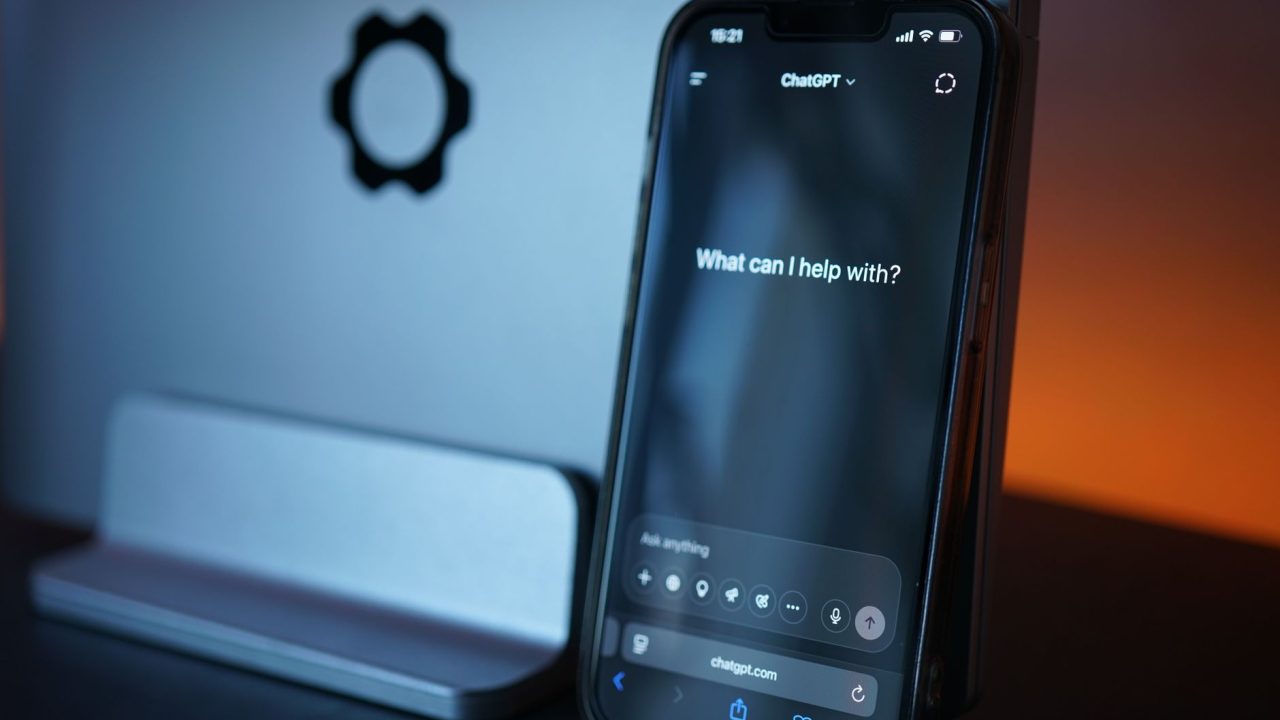
That's when I stumbled on Katto's MCP connector approach, and something clicked. Not because it's revolutionary, it's not. But because it's the first time I've seen someone actually solve the integration problem the right way. Instead of building yet another dashboard or yet another API wrapper, they made the tools live inside the assistants we're already using daily. Claude, ChatGPT, Cursor. That's where I actually work. That's smart design.
The Problem Nobody Talks About: Tool Fragmentation
Here's what actually happens when you want to create short-form content from long-form video. You record a podcast or a conference talk. Now you need to watch it, find the interesting 15-second moments, cut them, add captions, maybe reframe for vertical video, and post to multiple platforms. This used to require switching between 4-6 different apps. Descript, CapCut, something for scheduling, something for transcription.
Katto tried to solve this by being the unified dashboard. Fair approach. But I never opened the dashboard. I live in my editor and my AI assistant. Forcing me to tab over to yet another web app was friction I refused to pay.
What Katto did instead is bring itself inside the tools I already had open. That's the insight that matters.
How the Integration Actually Works
The implementation is straightforward, and I respect that. They're using Model Context Protocol (MCP)-basically a standardized way for AI assistants to talk to external services. Instead of Claude having to know about Katto's API, Katto just exposes 29 different functions through a single endpoint at mcp.katto.tech/mcp.
Authentication happens through OAuth, which means you never hand API keys to the assistant. That's a security detail I actually appreciate. Your password stays with Katto's OAuth server. The assistant just gets permission to call specific functions.
For Claude, you point to that MCP server in Settings. For ChatGPT, you add it as a custom MCP server. For Cursor (which I use daily for most projects), you drop it in the MCP config:
{
 "mcpServers": {
 "katto": {
 "url": "https://mcp.katto.tech/mcp"
 }
 }
}
Then when you ask Claude "turn this 30-minute podcast into TikTok clips," Claude can actually invoke Katto's tools directly. It downloads the video, processes it, finds the moments worth posting, adds captions, and serves them back to you in the conversation. No context switching.
My Take: This Works Because It Accepts Reality
What I like about this isn't the video processing itself. There are plenty of video AI tools. It's that Katto accepted a fundamental truth: developers won't adopt your tool if it means leaving their current environment. So they didn't try to be the main workspace. They became a function inside the workspace.
That's harder than building a dashboard. It requires understanding how people actually work, respecting their workflows, and fitting into them instead of demanding people fit into you.
The quota model is also honest. You pay per video processed, not per minute or per credit. A 90-minute podcast uses one unit, same as a 10-minute clip. That's clear. No hidden math.
The free tier (2 videos a month, no card required) is enough to actually try it. I downloaded it specifically to test before deciding if it was worth my time.
What I'd Actually Do With This
I'm genuinely considering using this for the technical screencasts I occasionally create. Right now, if I record a 20-minute tutorial, turning it into 5-6 short clips is a weekend project that I keep postponing. With Katto in Claude, I could theoretically do it in the same conversation as coding: "I just recorded a video about Next.js middleware, clip it and tell me which moments work best for Twitter."
The one thing I'd need to validate first is quality. AI caption burns, reframing around speakers, layout edits, these need to look professional. But at the free tier, I can test that before committing.
The Real Question
What strikes me is how this pattern could scale beyond video. If MCP becomes the standard, we could have image processing, data visualization, deployment tooling, all integrated into our existing editors and assistants. Not as separate SaaS products we visit. As functions we invoke while we're already thinking about our problem.
Have you tried Katto or similar MCP integrations? What's stopping you from using AI assistants for actual production work instead of just asking questions?
Source: This post was inspired by "How to clip videos from Claude, ChatGPT, Gemini CLI and Cursor with Katto" by Dev.to. Read the original article