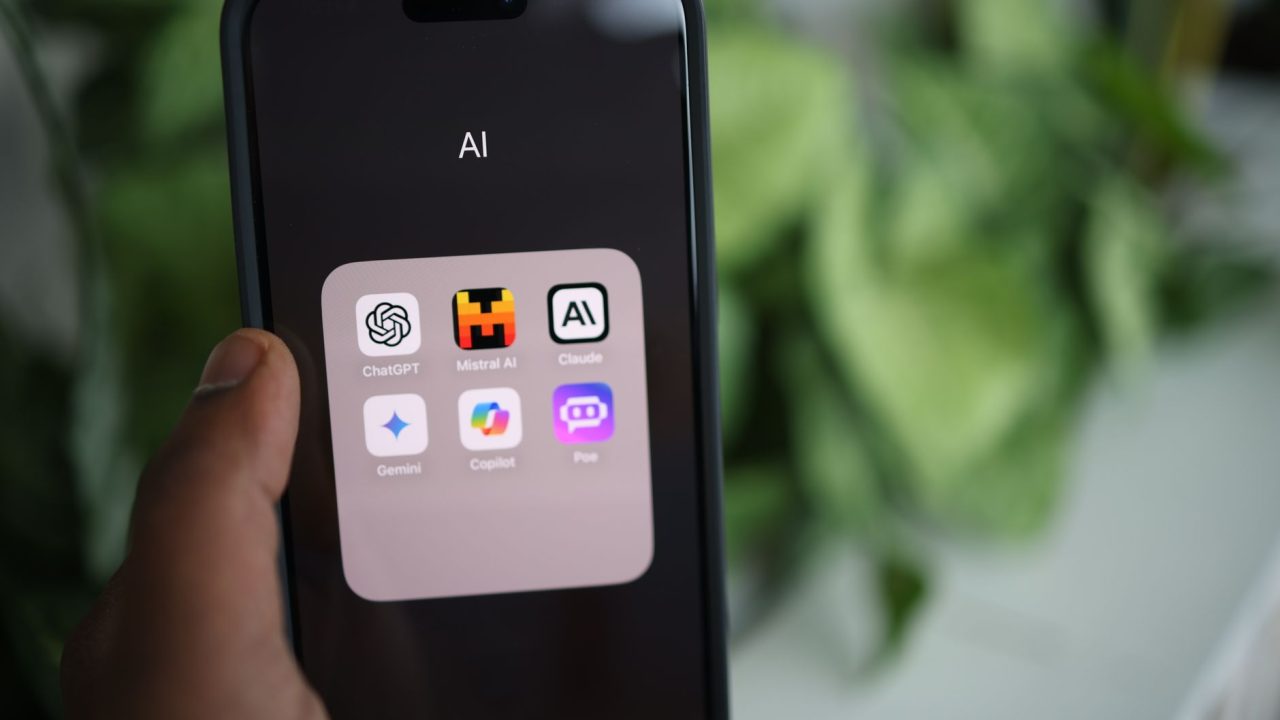
I spend probably two hours a week doing something mind-numbing: copying text, pasting it into ChatGPT, waiting for a response, copying the result back, and pasting it where it came from. It's a workflow tax that compounds when you do it dozens of times per day. Last week, I caught myself doing this exact dance while reviewing a Slack message, copy, ChatGPT tab, paste prompt, wait, copy result, back to Slack. The absurdity hit me. There has to be a better way to integrate AI into my actual work instead of treating it like a separate tool I visit occasionally.
That's what got me thinking about keyboard shortcuts for AI prompts, and why this approach, seemingly simple on the surface, actually represents a philosophical shift in how developers should think about AI tooling. It's not about having a fancy AI assistant. It's about eliminating friction from repeated decisions.
The Real Problem Isn't AI, It's Workflow Interruption
Most developers I know treat AI as a destination, not a tool integrated into their workspace. You finish writing something, realize it needs polish, and then switch context entirely. Open a new tab. Explain your problem. Wait. Copy the answer. Switch back. This context switching is the actual cost, and it compounds psychologically.
What the original article nails is that the problem isn't needing AI help, it's the way we ask for it. A keyboard shortcut that operates on selected text, right where you're already working, fundamentally changes the economics of when you use AI. Suddenly, running a prompt isn't a five-minute detour. It's a one-second action.
I realized I've been thinking about this backward. Instead of asking "what AI tools should I use," the better question is "what repeated writing decisions can I automate in my current workflow?"
Building Muscle Memory Around Narrow Prompts
One insight from the original article stuck with me: the best shortcuts are narrow, not broad. A prompt that says "improve this text" is useless because "improve" means nothing. Does the AI tighten language? Fix tone? Add formality? Change the length?
But a prompt like "Make this GitHub comment concise and technically precise, under 100 words" is something you can actually trust. It has constraints. It has a job. I started cataloging my own repeated micro-tasks: changelog entries, customer support replies, pull request descriptions, commit messages. Each one has specific requirements that I'm currently doing manually.
The pattern is clear: save prompts that solve one familiar job and make its boundaries obvious. Don't save "write better content." Save "rewrite this as casual workplace Slack English with short sentences."
My Take: Platform Lock-In Matters More Than I Thought
Here's where I diverge slightly from the original perspective. The article mentions using Type Mac with different backends, OpenAI, Anthropic, Gemini, etc.-but frames this as a choice. In reality, if I'm building keyboard shortcuts for my daily workflow, I'm tied to whatever service I configure.
I worry about platform lock-in here. If I standardize on a tool like Type Mac and configure it with Anthropic, then Anthropic changes pricing or API structure, I've built muscle memory around something that might become expensive or unreliable. For my own setup, I'd probably start by writing a simple macOS automation script that hits an API I control, or at minimum, something where I own the configuration completely.
That said, the article's point about storing API keys in Keychain is solid security practice. Native tooling respects how macOS actually works rather than fighting against it.
What I'd Actually Build
If I were implementing this myself (and I might), I'd want:
- Text selection detection across any app
- A configurable prompt library stored locally as JSON
- Multiple backend support with fallback logic
- Prompt versioning so I can iterate without breaking existing shortcuts
The core would be something like this:
// Pseudo-code for macOS keyboard shortcut handler
func handleShortcut(shortcutKey: String) {
 let selectedText = getSelectedText()
 let prompt = loadPrompt(shortcutKey)

 let finalPrompt = prompt.template
 .replacingOccurrences(of: "{text}", with: selectedText)

 let result = callAI(finalPrompt, provider: prompt.provider)
 replaceSelection(with: result)
}
Simple, modular, and the prompt library becomes the valuable asset.
The Bigger Pattern
This entire approach is teaching me something about AI integration generally: the benefit isn't in the intelligence, it's in the specificity and proximity. An average prompt executed instantly where you're already working beats a brilliant prompt you have to switch contexts to use.
I'm going to start documenting the text transformations I do repeatedly over the next week. Every time I find myself explaining the same kind of revision or rewrite, that's a candidate for a keyboard shortcut. The real productivity gain isn't in the AI model, it's in cutting context switches from my day.
Are you doing similar repetitive writing tasks that could be automated? What would your most-used shortcuts be?
Source: This post was inspired by "Turn any AI prompt into a Mac keyboard shortcut" by Dev.to. Read the original article